Welcome to JK Math+!
So glad to have you as a member!
Watch the video below to get a tour of the membership and learn how to make the most of everything you now have access to:
First Steps for Using the Community:
STEP 1: Update your profile with a photo and other details you want to include (top right of screen on desktop, or tap on current picture then pencil button on mobile)
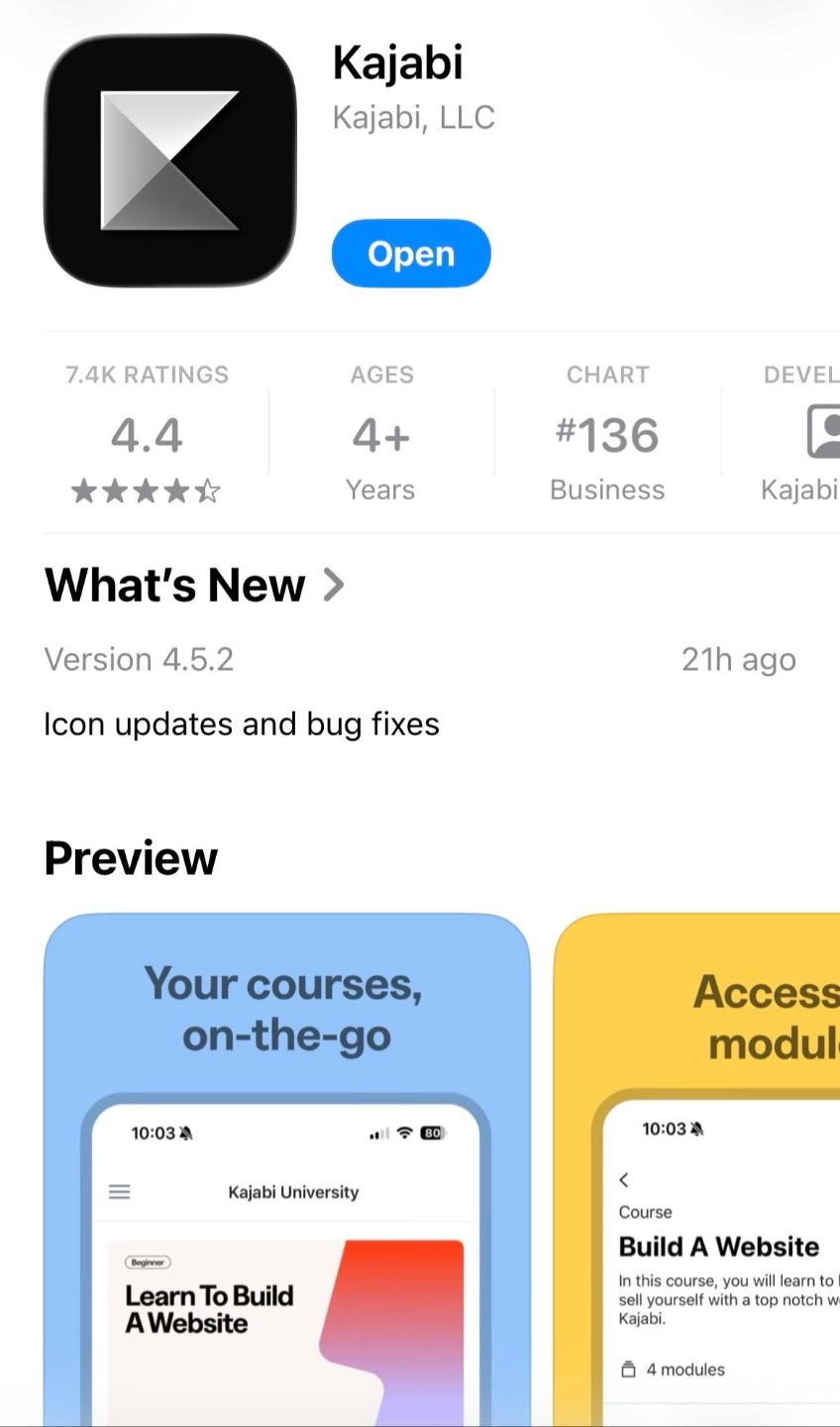
STEP 2: If you want to have access from your phone, you can download the Kajabi mobile app (Kajabi is my website host, the app is pictured below). You will need to login on the app with the same email & password you used when signing up for JK Math+. Be sure to turn on notifications so you don't miss a thing!
STEP 3: Find the community channels by going to the left sidebar on desktop, or tapping "community" at the bottom on the mobile app.
STEP 4: Start posting your questions and comments! I recommend introducing yourself first in the "Introduce Yourself" channel!
If you need any help using the community, just email me at [email protected]
TIP: This is what the mobile app looks like that you want to download: